# GamePort CMS
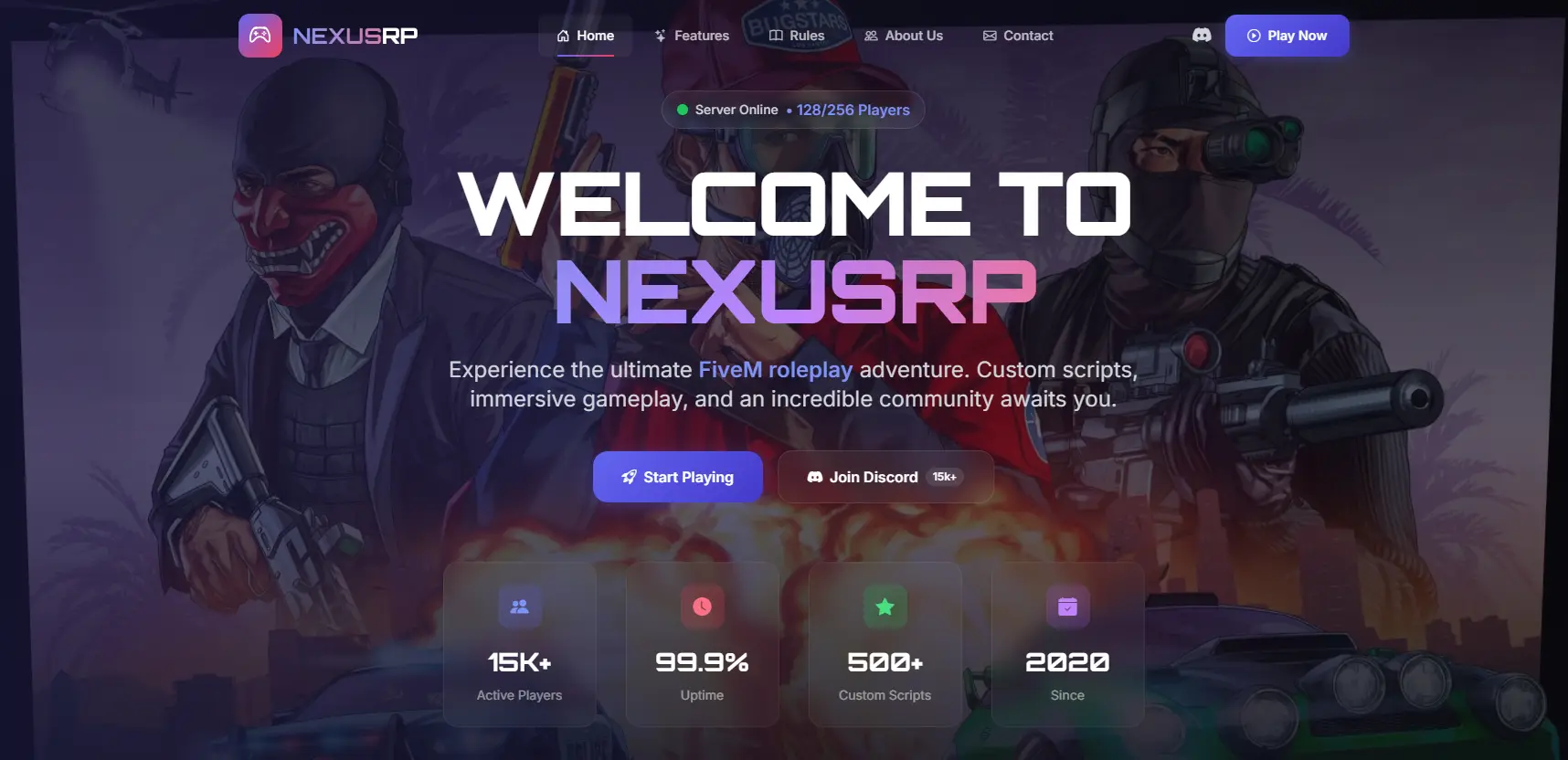
A modern, lightweight PHP CMS for gaming communities. Display your game servers, Discord statistics, and community information in a beautiful, responsive design.
---
## Features
- **Real-time Server Statistics** - Display player counts, slots, and server utilization
- **Discord Integration** - Show live member counts and online status from your Discord server
- **Multi-Game Support** - Works with CS 1.6, CS2, and Minecraft
- **Modern Design** - Clean, dark-themed UI with TailwindCSS
- **Responsive Layout** - Looks great on desktop, tablet, and mobile devices
- **Easy Configuration** - Single config file for all settings
- **SEO Optimized** - Built-in meta tags and Open Graph support
---
## Requirements
- PHP 7.4 or higher
- cURL extension enabled
- Web server (Apache, Nginx, etc.)
---
## Installation
1. Upload all files to your web server
2. Edit `protected/config.php` with your settings
3. Access your website and enjoy!
---
## Configuration
Open `protected/config.php` and configure the following:
### Basic Settings
```php
$siteName = 'GamePort'; // Your website name
$siteURL = 'https://yourwebsite.com/'; // Your website URL (include trailing slash)
```
### Discord Settings
```php
define('DISCORD_SERVER_ID', 'YOUR_DISCORD_SERVER_ID'); // Your Discord Server ID
define('DISCORD_INVITE_CODE', 'YOUR_INVITE_CODE'); // Your Discord Invite Code
```
**How to get Discord Server ID:**
1. Enable Developer Mode in Discord (User Settings > App Settings > Advanced)
2. Right-click on your server name and select "Copy Server ID"
**How to get Discord Invite Code:**
1. Create an invite link in your Discord server
2. Copy only the code part (e.g., from `discord.gg/ABC123` copy `ABC123`)
**Important:** Make sure the Discord Widget is enabled in your server settings (Server Settings > Widget > Enable Server Widget)
### Server Configuration
```php
$servers = [
['game' => 'cs16', 'ip' => '127.0.0.1:27015'],
['game' => 'cs2', 'ip' => '127.0.0.1:27016'],
['game' => 'minecraft', 'ip' => '127.0.0.1:25565'],
// Add more servers as needed
];
```
**Supported Game Types:**
- `cs16` - Counter-Strike 1.6
- `cs2` - Counter-Strike 2
- `minecraft` - Minecraft
---
## File Structure
```
GamePort/
├── assets/
│ ├── css/
│ │ └── style.css # Main stylesheet
│ ├── images/ # Image assets
│ └── js/ # JavaScript files
├── func/
│ └── servers.php # Server API functions
├── includes/
│ ├── header.php # HTML head and meta tags
│ └── footer.php # Footer content
├── protected/
│ └── config.php # Configuration file
└── index.php # Main page
```
---
## Customization
### Changing Colors
The main colors can be customized in `assets/css/style.css`. The design uses TailwindCSS classes with a primary indigo color scheme.
### Adding Game Portals
Edit the image links section in `index.php` to add or modify game portal buttons:
```php
<a href="your-link-here" class="block relative image-hover">
<img src="assets/images/your-image.png" alt="Your Game Portal">
</a>
```
### Modifying Hero Section
The hero section content can be edited directly in `index.php`. Look for the `<header class="hero-bg">` section.
---
## Troubleshooting
### Server statistics show 0 players
1. Verify the game type is correct in config.php
2. Check that the server IP and port are accessible
3. Ensure cURL is enabled on your server
4. Test the API manually in your browser
### Discord stats not loading
1. Verify the Server ID and Invite Code are correct
2. Make sure the Discord Widget is enabled
3. Check browser console for any JavaScript errors
### CSS not loading
1. Verify `$siteURL` in config.php is set correctly
2. Include the trailing slash in the URL
3. Check file permissions on the assets folder
---
## Credits
Developed by CodeStrike.STORE
---
## License
This CMS is provided as-is for personal and commercial use. Redistribution is allowed with proper attribution.
---
## Support
For support and updates, visit: https://codestrike.store