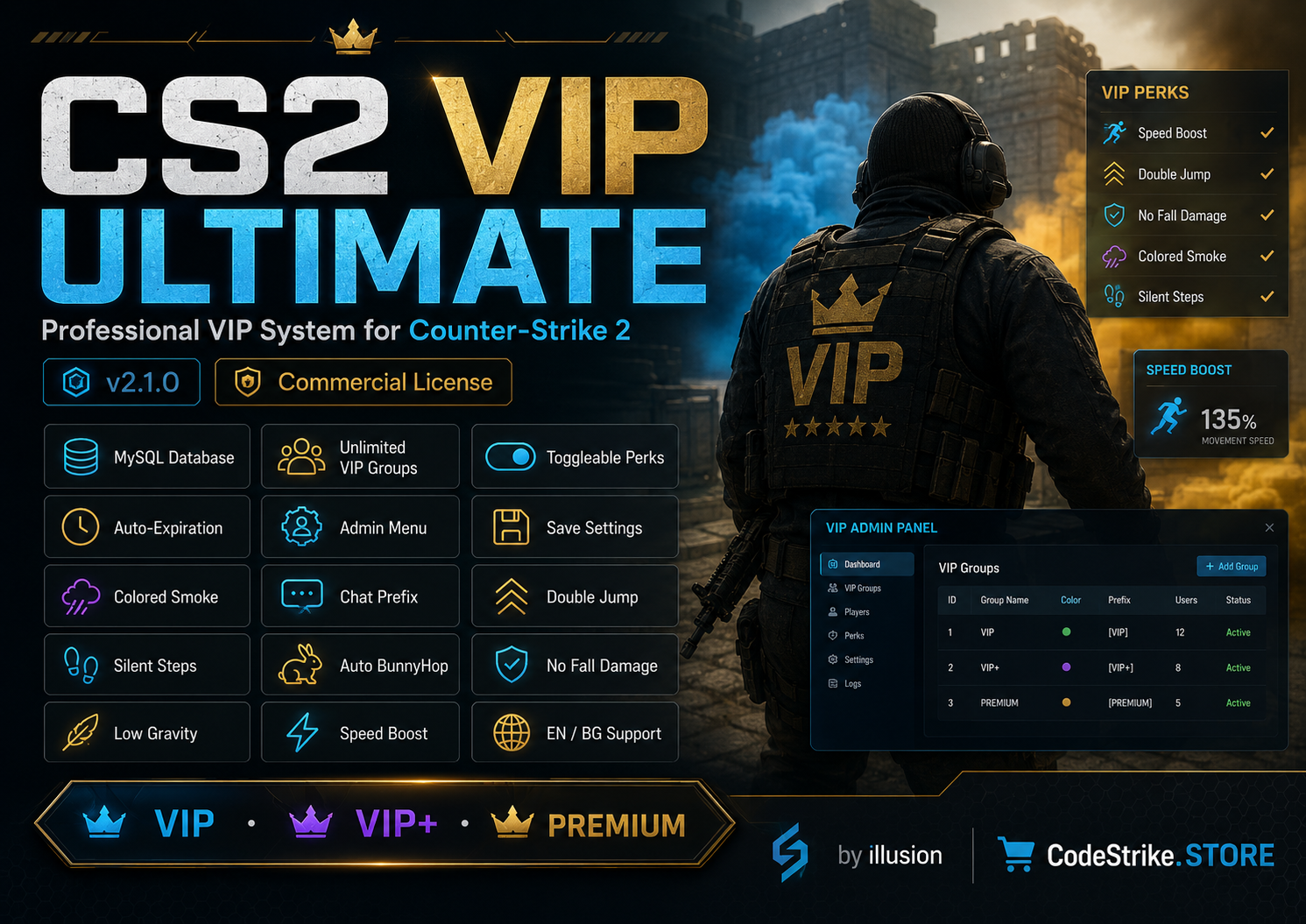
Counter-Strike 2 Plugins
CS2 VIP Plugin – VIP System with MySQL & Menus
Professional VIP system for Counter-Strike 2 using CounterStrikeSharp
€9.99

Manage your CounterStrikeSharp admins in a simple form - no brackets, commas or quotes to get wrong. Start a new file or import the one you have.
Made in your browser - your passwords and settings are never sent to us.
No admins yet. Click Add admin.
The permission flags built into CounterStrikeSharp. Plugins may add their own - put those in the plugin permissions box, one per line.
Add your admins, or import your current admins.json and edit it.
When everything is green, download admins.json.
Upload it to game/csgo/addons/counterstrikesharp/configs/ on your server, replacing the old file (keep a copy of the old one).
Restart the server so CounterStrikeSharp loads the new admins. Groups you use must exist in admin_groups.json in the same folder.
Ready-made CounterStrikeSharp plugins with lifetime updates.
Professional VIP system for Counter-Strike 2 using CounterStrikeSharp
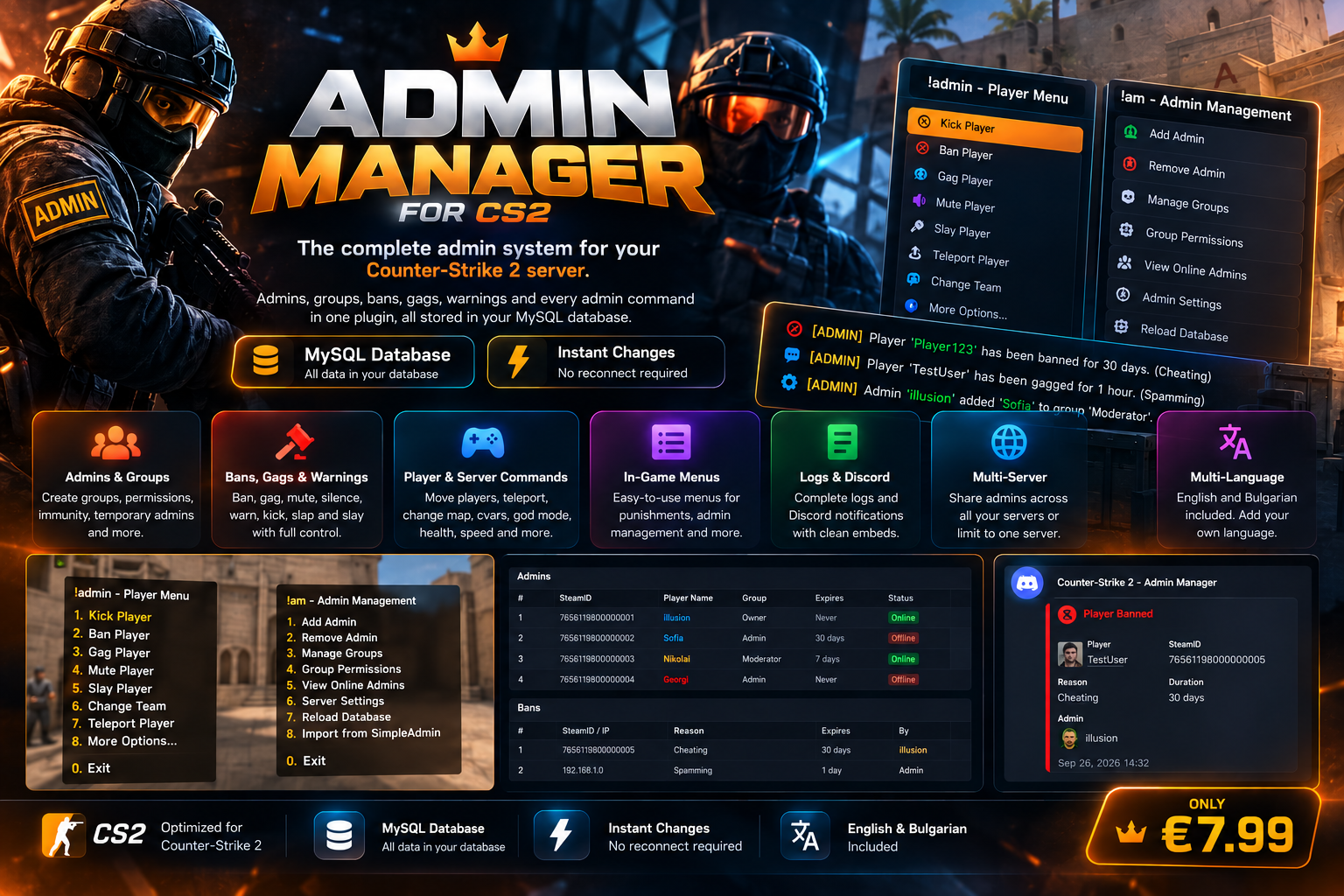
A complete Counter-Strike 2 admin system with admins, groups, bans, gags, mutes, warnings, commands, in-game menus, MySQL support, Discord logs and multi-server management.
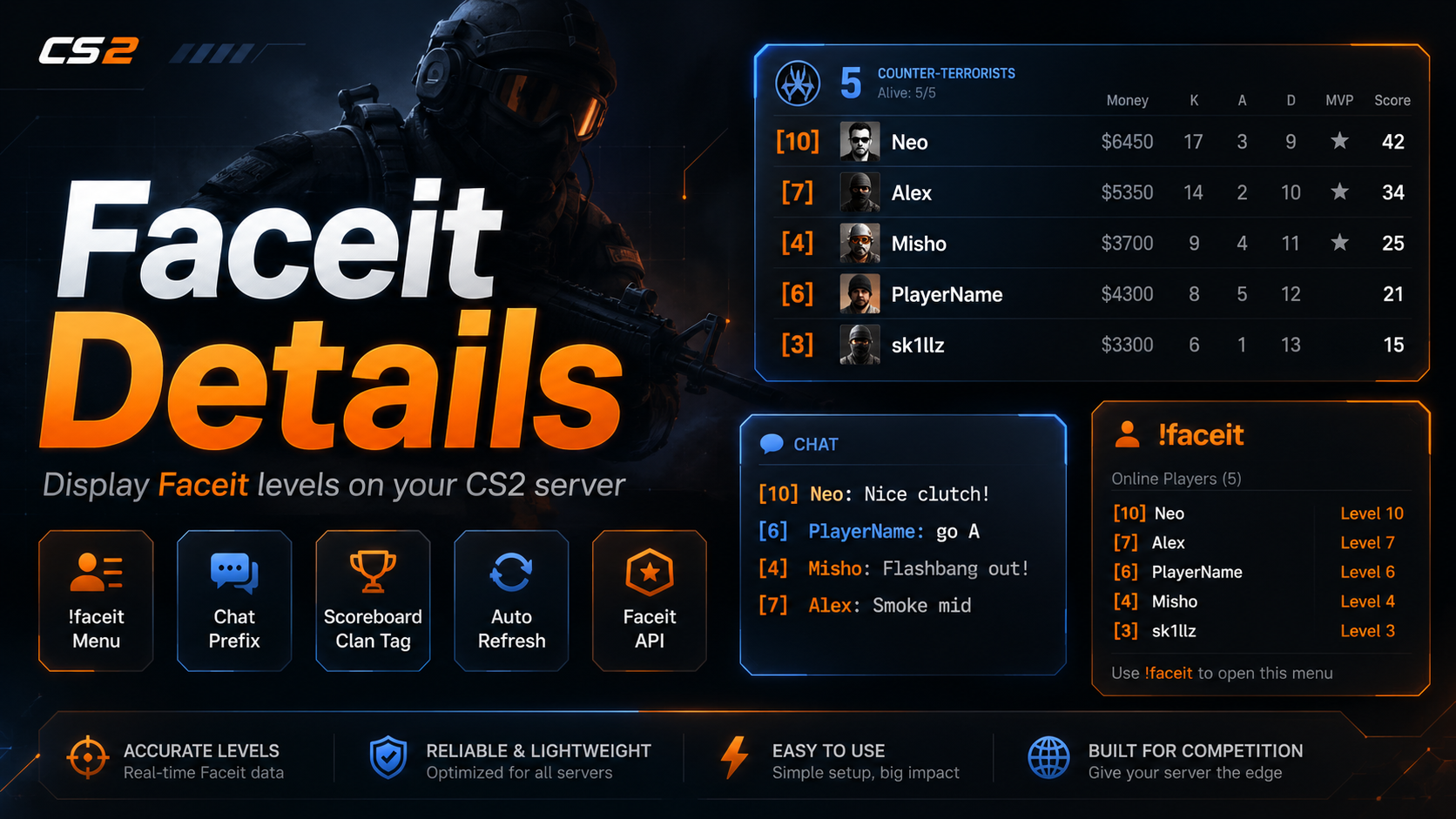
FaceIT Details plugin for CS2 CounterStrikeSharp